Download

Tasks first, distractions later

Beffore is a to-do list that unlocks your screen time. Finish your tasks, and your apps open up.

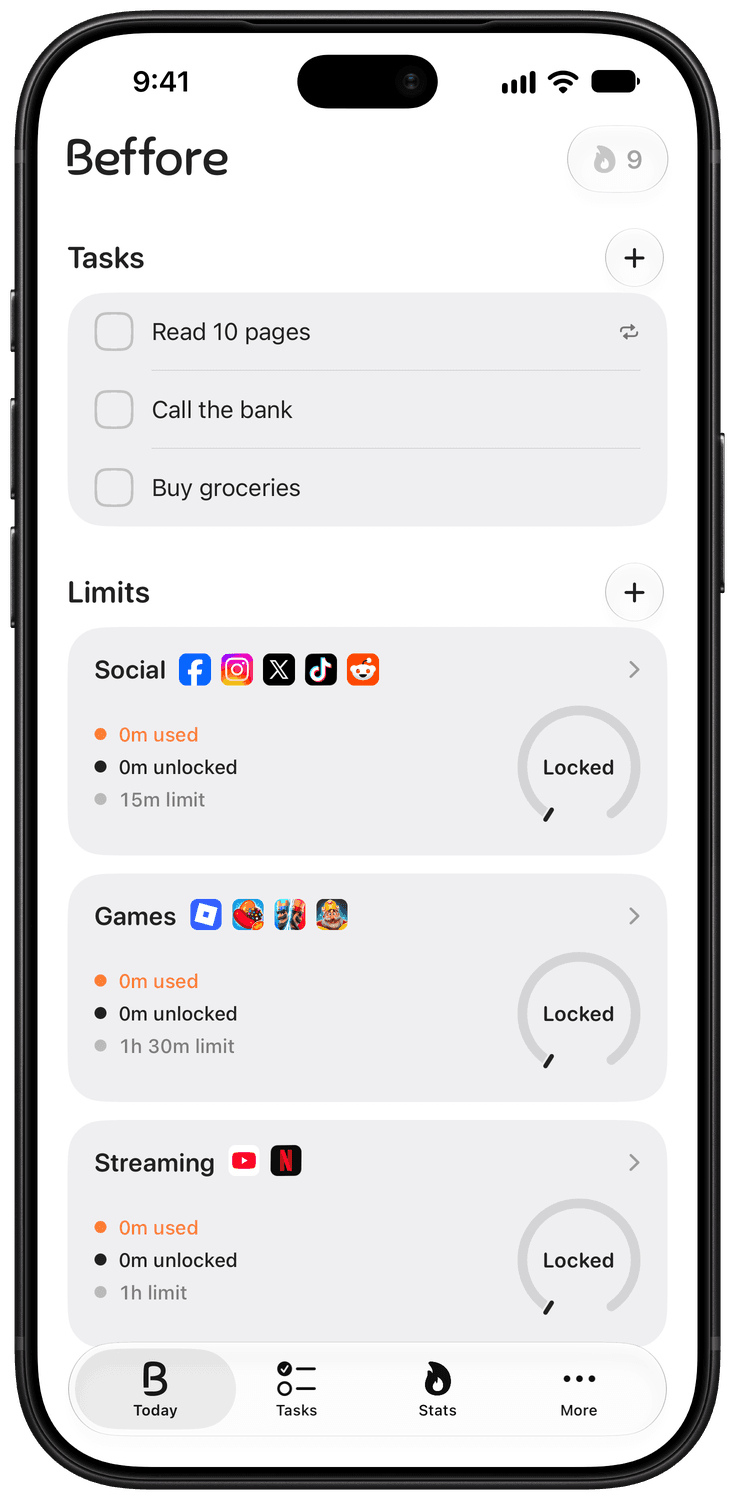
Beffore in the morning: three tasks to do, and Social, Games and Streaming all locked.

How much of your day goes to your phone?

An estimate is fine.

a day

4 hours a day becomes 12.5 years

Your next 50 years, month by month:

Based on 16 waking hours a day.

In a year, that’s 1,460 hours

The same time, spent differently:

  • 232 books

    of 300 pages

  • 4,380 miles of walking

    at an easy pace

  • A new language

    at an advanced level

  • Real time with people you love

    no math needed

We can help

Beffore keeps the apps you choose locked until you finish your tasks.

Apps stay locked until tasks are done

Pick the apps that pull you in.
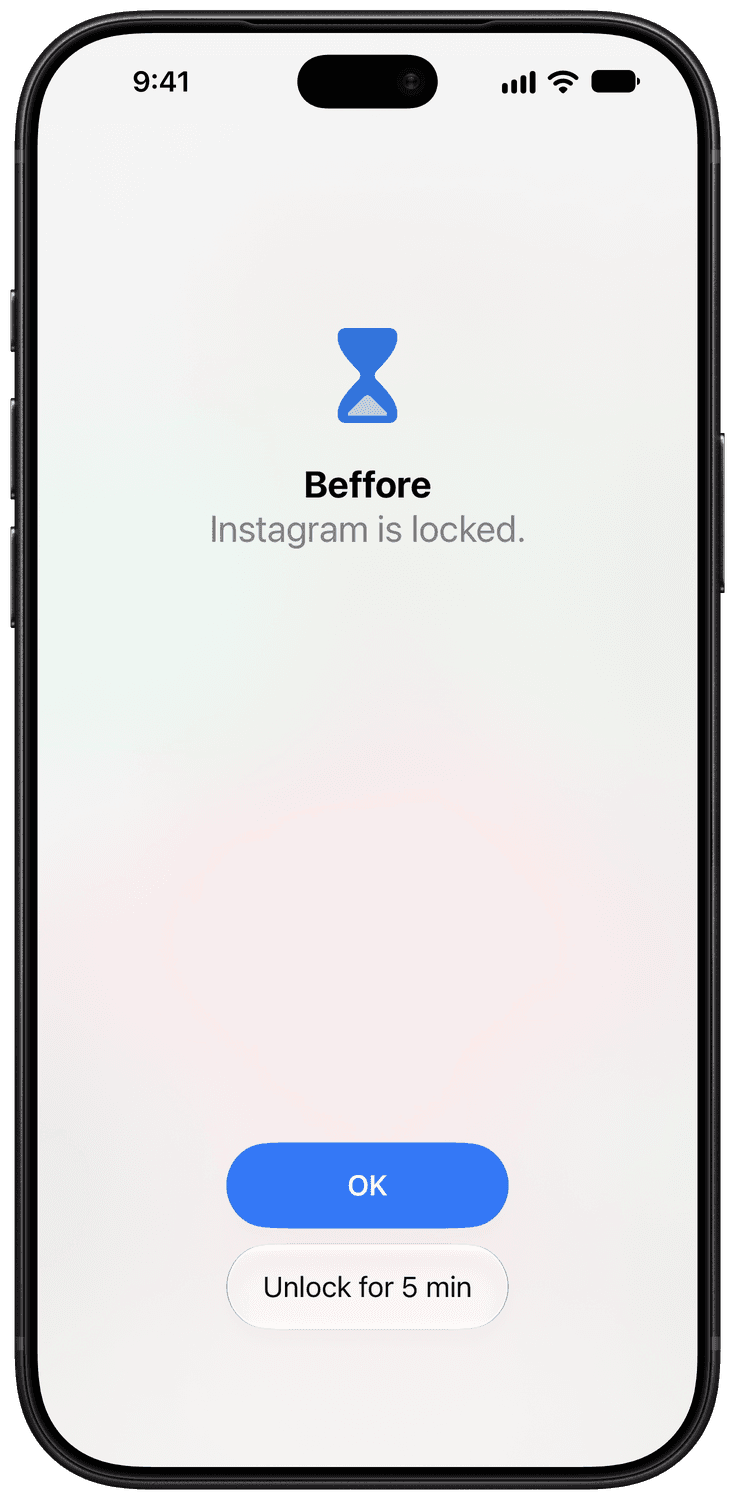
The block screen on Instagram: an hourglass, “Beffore”, “Instagram is locked.”, and two buttons, OK and “Unlock for 5 min”.

No lectures, no guilt

When you really need an app, open it for five minutes right where it’s locked.

Finish tasks, unlock your apps

Every task you finish opens more time.
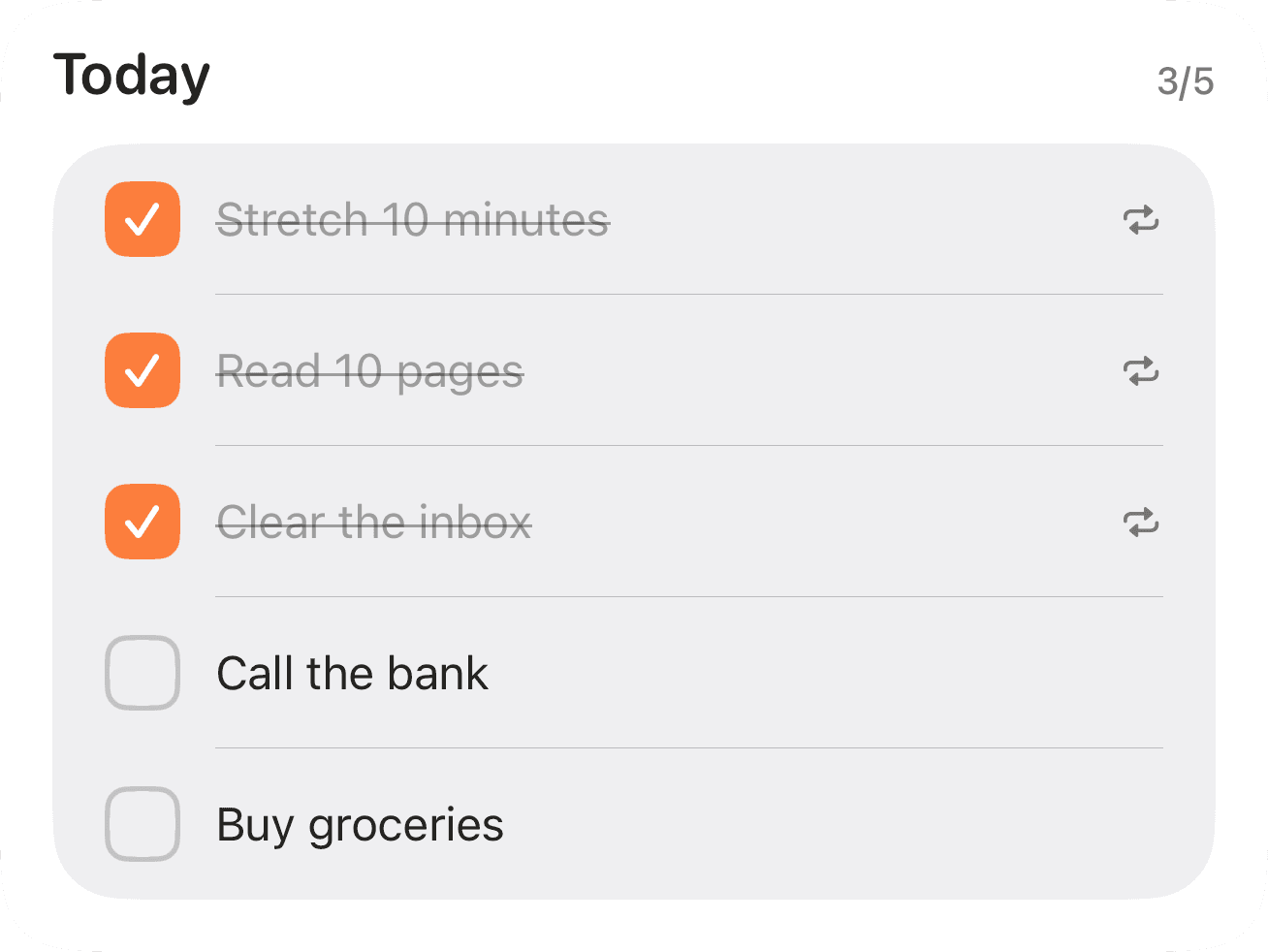
The Tasks tab’s Today list at 3 of 5: Stretch 10 minutes, Read 10 pages and Clear the inbox checked off; Call the bank and Buy groceries still to do.

Enjoy your apps when the work is complete

Locked in the morning, open once you’re done.
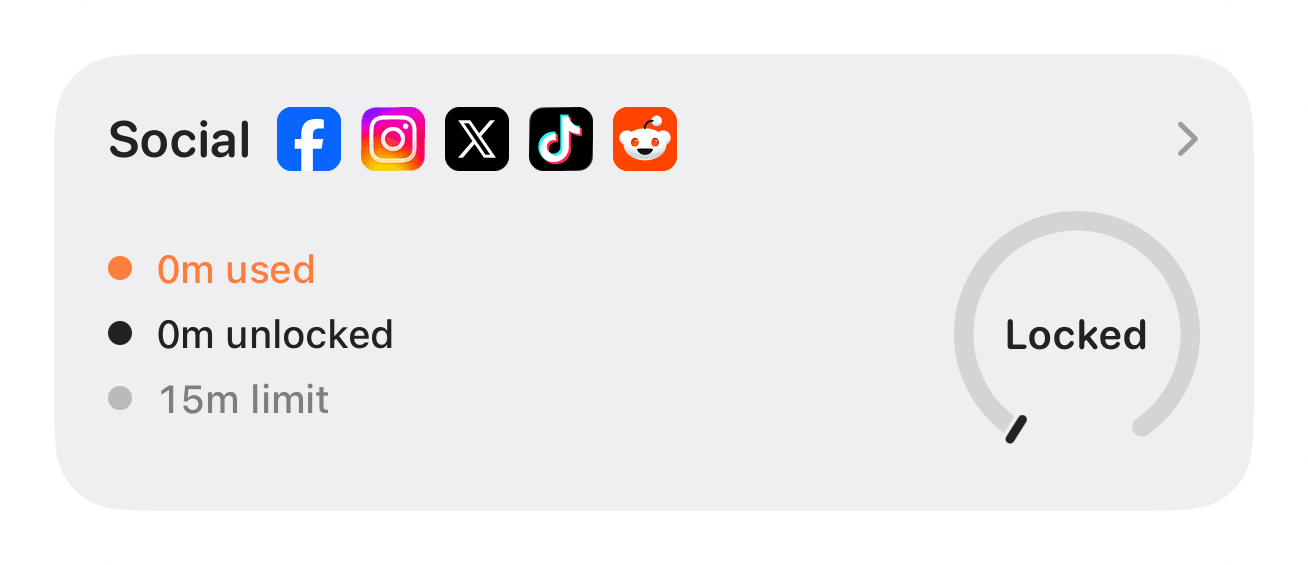
Social’s limit card in the morning: 0m used, 0m unlocked, a 15m limit, and its ring reading Locked.
Three tasks to go
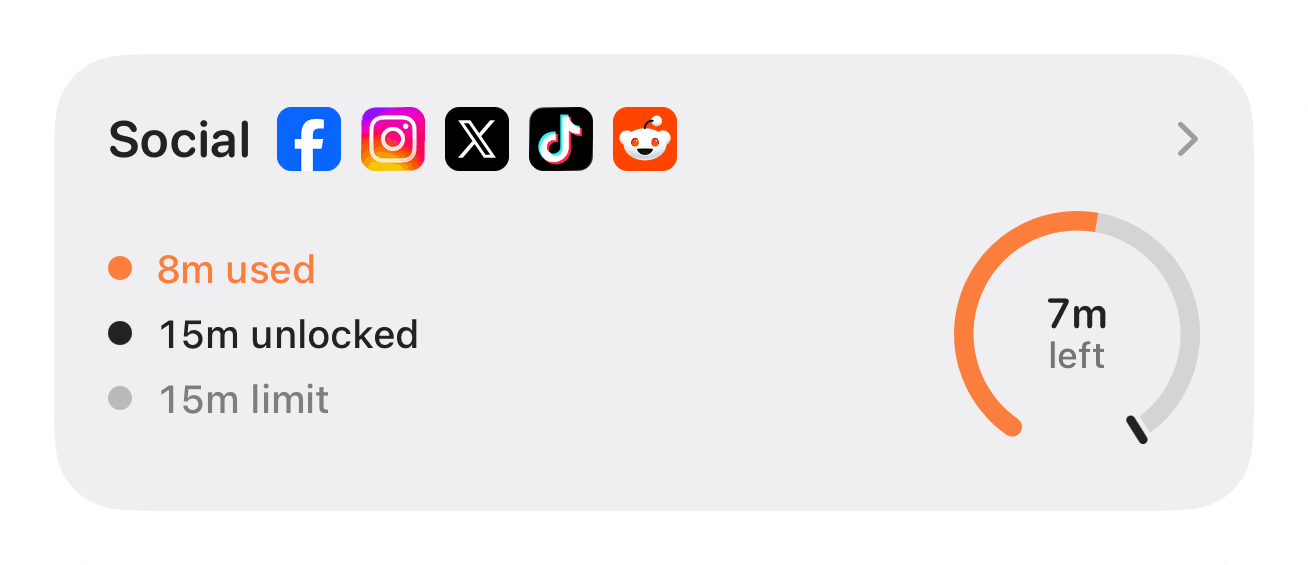
The same card with every task done: 8m used, 15m unlocked, a 15m limit, and its ring showing 7m left.
All done

Plan your tasks ahead

One-offs or repeats, on the days you choose.
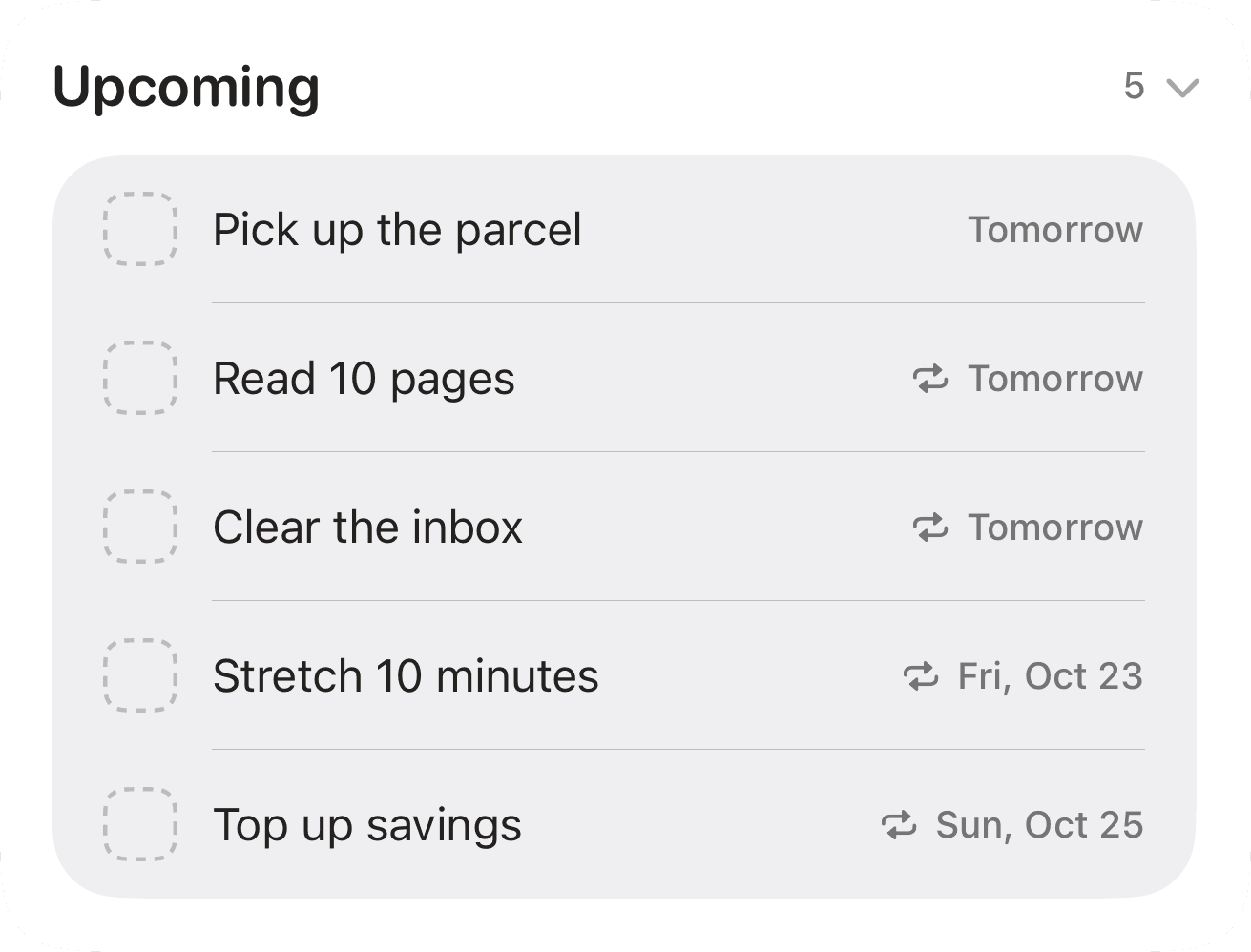
Upcoming in the Tasks tab: Pick up the parcel tomorrow, Read 10 pages and Clear the inbox repeating from tomorrow, Stretch 10 minutes on Fri, Oct 23 and Top up savings on Sun, Oct 25.

Set your own limits

Pick the apps and how much time you want with them each day.
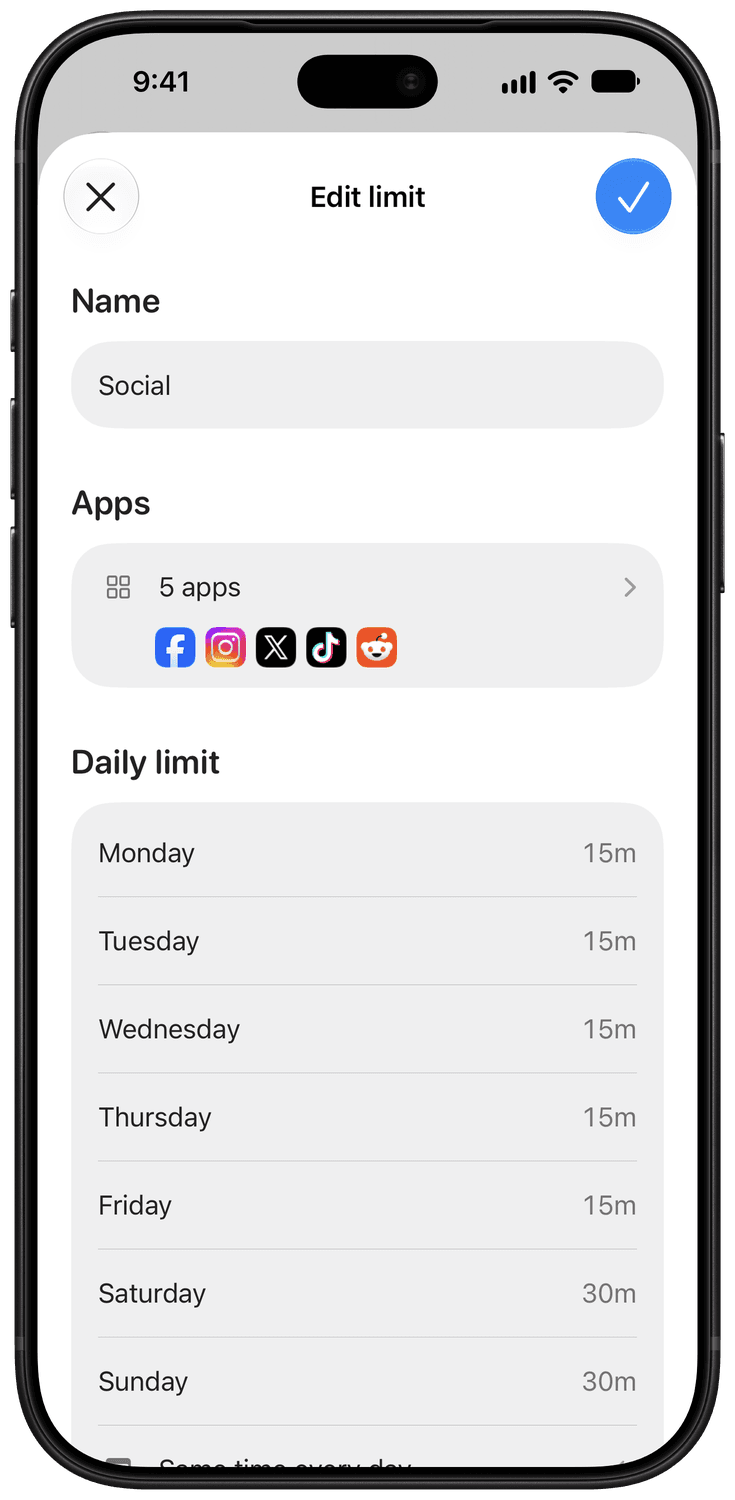
Editing a limit named Social: five apps (Facebook, Instagram, X, TikTok and Reddit), and a daily limit of 15 minutes Monday to Friday and 30 minutes on Saturday and Sunday.

By weekday if you like

See your good habits grow

Keep a streak going, watch every finished day light up your month, and see how your habits change week by week.
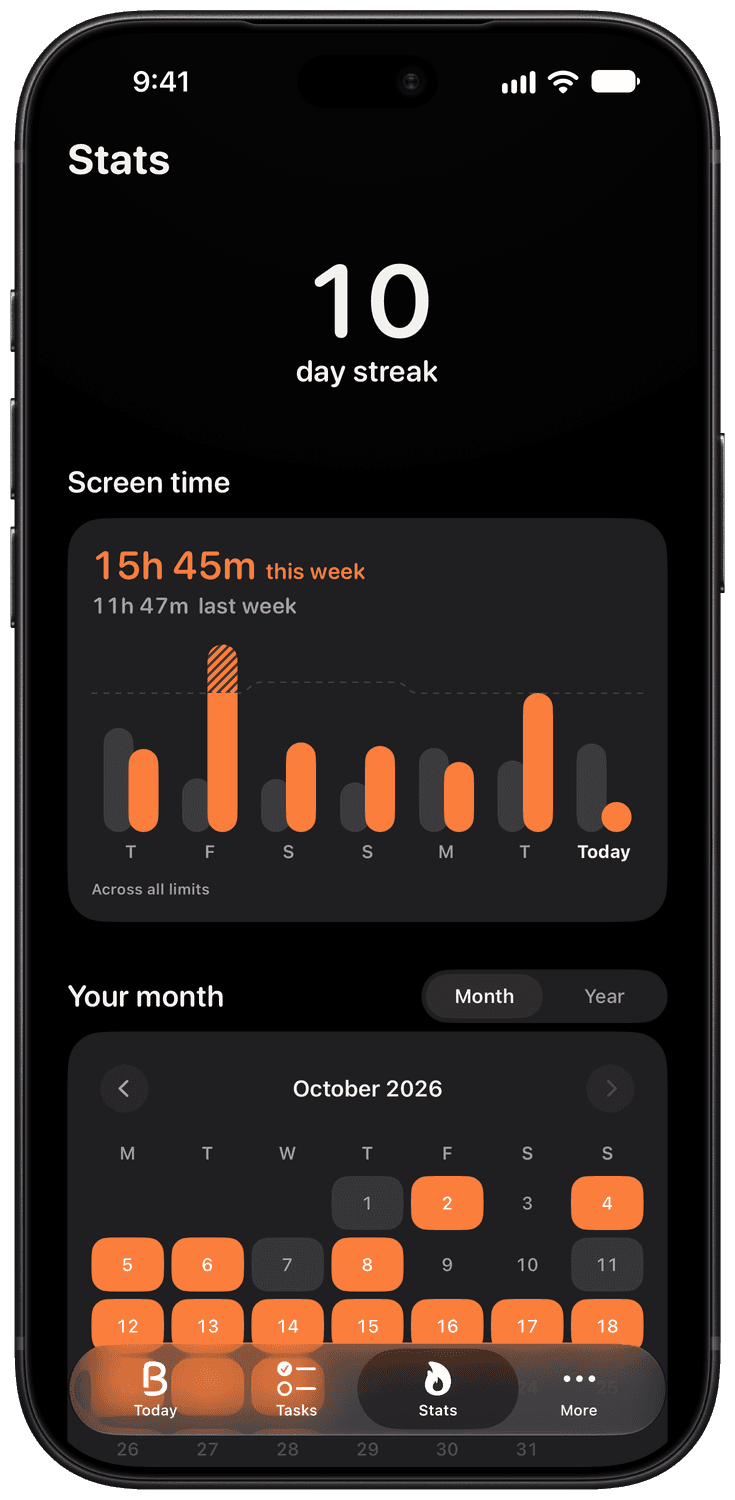
The Stats tab in dark mode: a 10-day streak, this week’s screen time against last week’s, and October with the finished days lit up.

Learn more about how Beffore works

Your time, earned

Beffore doesn’t ask you to give up the apps you enjoy. It gives you a reason to do what matters first.

Nothing planned? That’s okay

On days with no tasks, your apps stay open.

Private by design

No account required. Your tasks and Screen Time data stay on your iPhone.

Backed by research

Three ideas from psychology, built into Beffore:

  1. The plan

    Deciding what you’ll do in advance makes you more likely to do it.

    Gollwitzer & Sheeran, 2006

  2. The lock

    Blocking distracting apps helps you focus and get more done.

    Mark, Iqbal & Czerwinski, 2017

  3. The reward

    Immediate rewards help you stick with long-term goals.

    Woolley & Fishbach, 2017

Questions

Can I get around Beffore's locks?
Yes, on purpose. A locked app can be opened for five minutes right from where it’s locked, or its whole limit until midnight.
What if I have no tasks today?
Then it is a free day: your limits are open from the start, within their usual amount, and your streak is not broken.
Do I need an account?
No. There is no sign-up. Your tasks, limits and Screen Time data stay on your iPhone.
Is the screen time it shows exact?
It’s an estimate, so the minutes can differ a little from the Settings app.
Which devices does it run on?
iPhone, on iOS 18.0 or later. Android and Mac versions are coming soon.

Tasks first, distractions later

Finish what matters before you scroll.

Download on the App Store

For iPhone, on iOS 18 or later.